
Every member has the option to add relevant sub-account users from their practice to the member portal area as part of their membership. Within the member portal, click "Dashboard", then click "Management Team".
Here you can click "Add Member". Once on this page, you may copy the link generated and send this to the person being added. They will fill out a short signup form and then gain access to the portal.
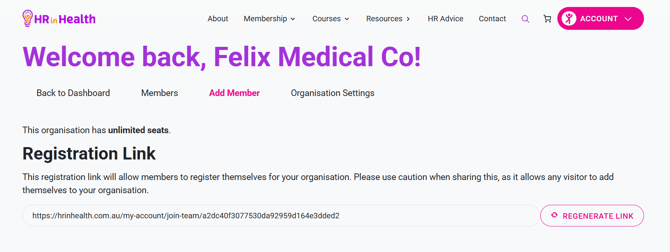
You will need to make sure that you have "manager" access to be able to generate links to add new users.